

If you are a C# developer looking to work with a headless CMS, Optimizely SaaS CMS gives you the best of both worlds. Built on .NET foundations and delivered as a fully managed cloud service, it lets you use your existing C# skills while adopting a modern, API-first architecture. You can build with Blazor, ASP.NET Core or any front-end framework and deliver content to any channel using the Optimizely Content Graph.
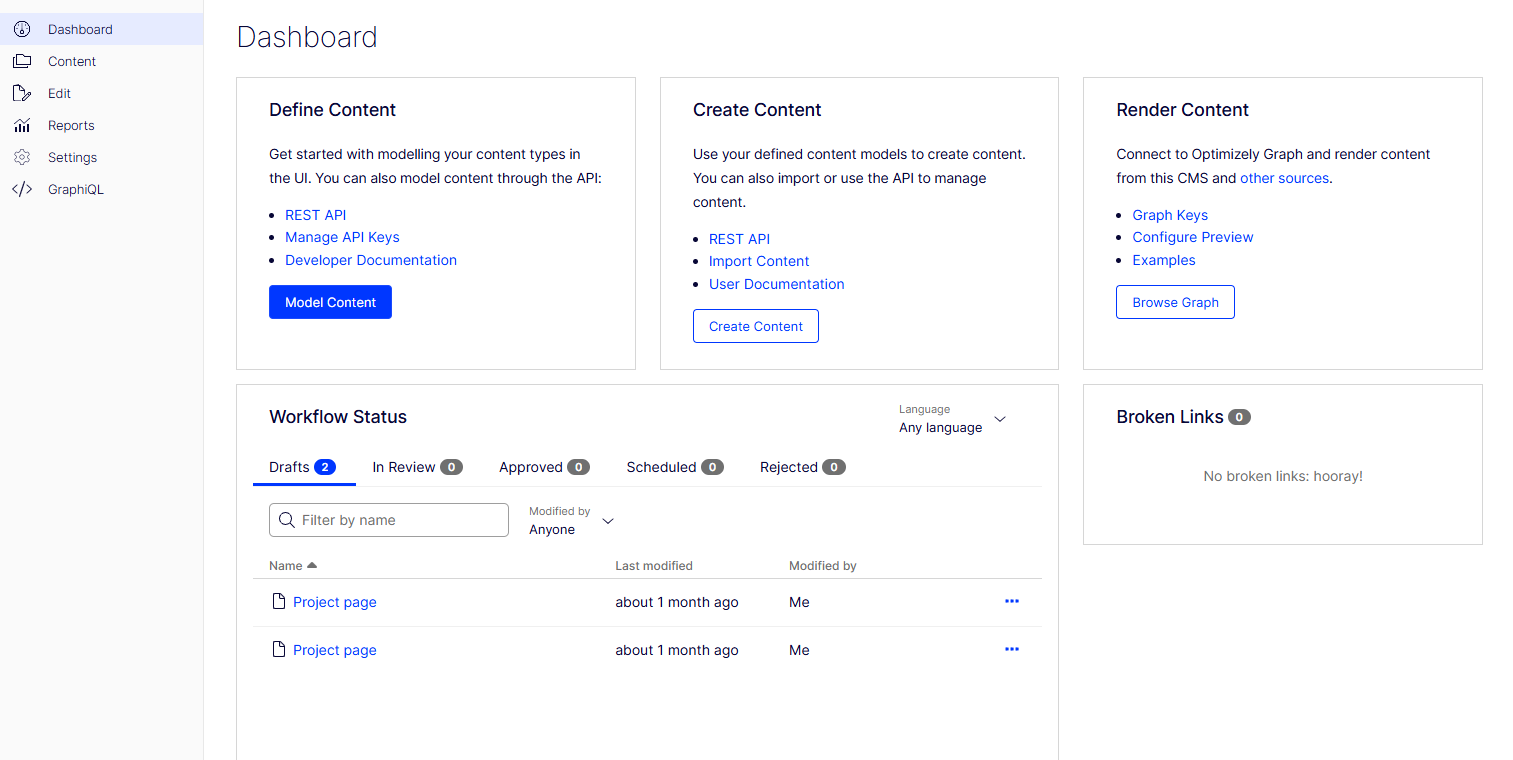
Why should C# developers consider headless Optimizely?
A headless CMS separates content management from presentation. This makes your content available through APIs so you can reuse it across websites, apps and other channels. With Optimizely SaaS CMS, you can:
- Build front ends in Blazor, React or Next.js while keeping .NET in your stack
- Serve the same content to multiple channels from one source of truth
- Integrate with microservices and cloud-native environments without heavy coupling
Read the official overview of CMS (SaaS)
(Diagram: How content flows from Optimizely SaaS CMS through Content Graph to multiple front ends)
What is different about Optimizely SaaS CMS?
Optimizely SaaS CMS is a cloud-hosted, API-first solution. You don't manage infrastructure, upgrades, or scaling because Optimizely handles it all.
Key benefits for C# developers:
- Content Graph delivers content via GraphQL for fast, flexible queries
- Automatic updates mean no downtime for patching or version upgrades
- Global hosting ensures performance and compliance in multiple regions
See how Content Graph works in the official docs.
How to get started with Optimizely SaaS CMS for C# developers
You can have your first project running in a day by following these steps.
1. Create your sandbox environment
Sign up for an Optimizely SaaS CMS sandbox through the Optimizely portal. The sandbox is your playground for content modelling and API testing.
(Screenshot: Sandbox creation screen in Optimizely portal)
2. Learn the Content Graph
The Content Graph is the API that delivers your content. It uses GraphQL to request precisely the data you need.
(Video: Running a sample GraphQL query in Altair and inspecting the JSON output)
3. Connect with the .NET SDKs
Install the Optimizely .NET SDKs to fetch and manage content directly in ASP.NET Core applications, keeping your development entirely in C#.
(Code snippet: Fetching and mapping a content type in ASP.NET Core using the Optimizely SDK)
4. Model your content
Design content types, blocks and relationships to match your project needs.
Read Optimizely's content modelling guide for CMS (SaaS)
5. Build a Blazor front end
Use Blazor to create interactive front ends in C#, running client-side via WebAssembly or server-side for better SEO.
6. Secure APIs and enable previews
Set up OAuth for authentication and configure preview links so editors can check unpublished content in context.
Tools that make the job easier
- Optimizely CLI – Scaffold projects and manage environments
- Altair or Postman – Test and debug GraphQL queries
- .NET SDKs – Strongly typed access to content for ASP.NET Core
- Developer Portal – Documentation, examples and API references
Why work with Growcreate on your Optimizely projects?
Headless CMS development is more than writing code. You need the right API strategy, front-end approach and deployment process. Growcreate helps .NET teams:
- Move from traditional Optimizely CMS to SaaS CMS with minimal disruption
- Optimise GraphQL queries for performance at scale
- Integrate SaaS CMS into Azure and enterprise environments
- Provide 24/7 platform support for mission-critical sites and apps
With Jeroen Wijdeven, Optimizely MVP, leading our technical strategy, you get the assurance of working with a team that understands both the platform and enterprise delivery.


